
How Flightdeck fits together
Flightdeck is a few small pieces that each do one job. Knowing which piece does what tells you where your data lives and what can reach the network.
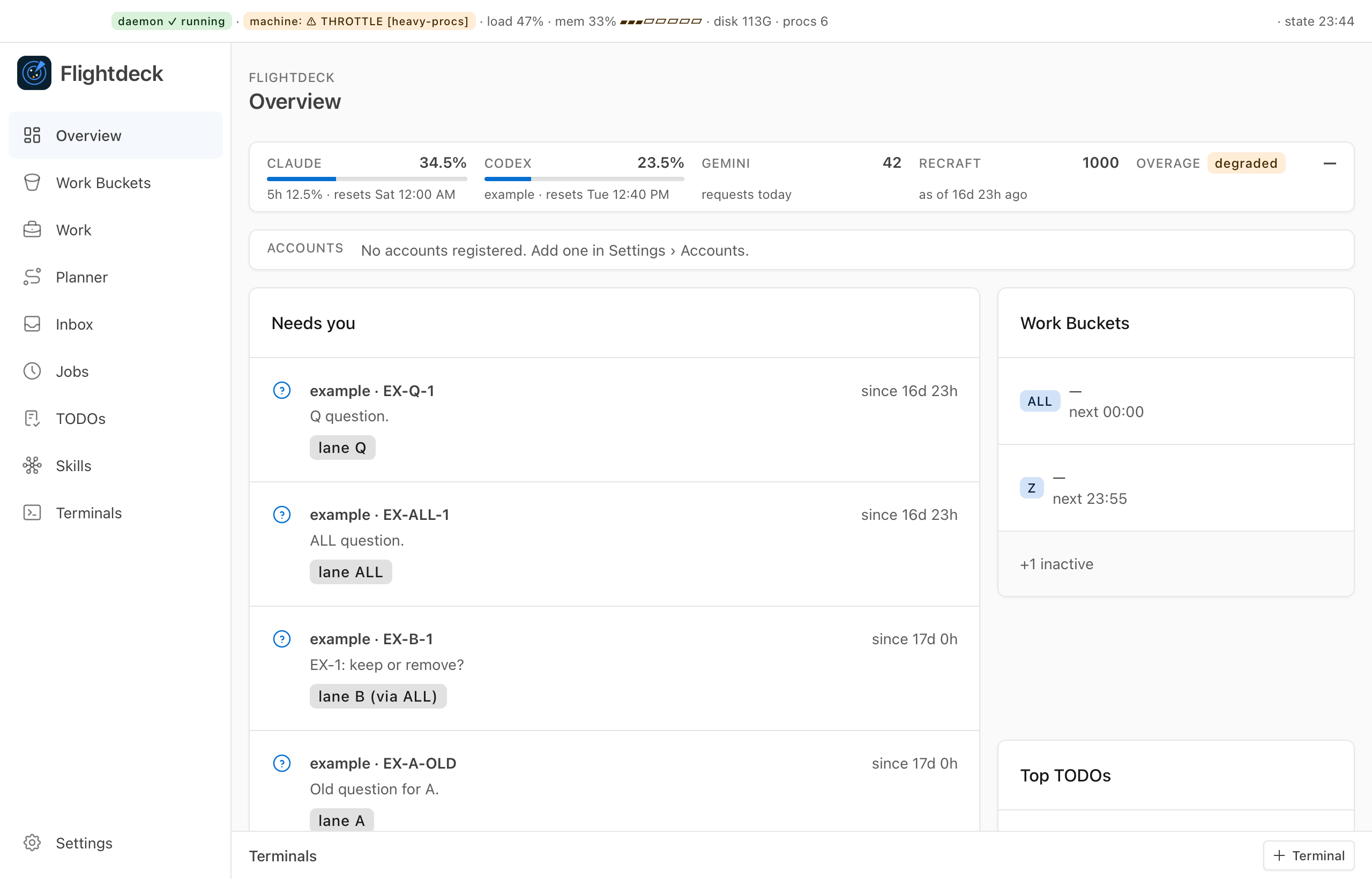
   desktop app            terminal dashboard (flightdeck)
        \                       /
         \   read local files  /
          v                   v
     local state: ~/.local/state/flightdeck
                    ^
                    | writes
              the daemon  <---  your agent sessions, git worktrees,
                    |           pull requests, link caches
                    v
  workspace: markdown notes in git (buckets, jobs, monitors, ...)
                    ^
                    | reads notes, records runs
  job runner (launchd)  --->  headless Claude Code sessions

  the link  --->  Jira, Slack, Trello (fixed hosts only)
The pieces
The flightdeck command. One program holds the terminal dashboard, the daemon, the job runner and the link. flightdeck --help lists everything it does.
The daemon. A background process, started by a macOS LaunchAgent. It watches your files through FSEvents and collects local facts: your agent sessions and their state, your git worktrees, and the link's caches. It also refreshes a cache of your pull requests. It writes them to state.json and an event feed, events.jsonl, in ~/.local/state/flightdeck. If the file watcher cannot start, it falls back to polling, so the data stays available, only slower to update.
The terminal dashboard. flightdeck on its own. It only reads the daemon's state and opens no network listener. If the state is more than six minutes old, it shows a red banner saying the daemon is down.
The desktop app. A Tauri app that reads the same local files and adds one-click actions. When it needs something done, it runs the flightdeck command with a fixed set of arguments.
The workspace. A folder of markdown notes with YAML frontmatter, kept in git: your work buckets, jobs, monitors, project records and skills. You can open it in Obsidian. See The workspace.
The job runner. Each switched-on job with a schedule gets a LaunchAgent, so launchd starts its runs on time, even when the app is closed. A run is a headless Claude Code session.
The link. The part that talks to Jira, Slack and Trello, and to Pushover for phone alerts. A background sync runs every two minutes and refreshes local caches: Slack every 2 minutes, Jira and bucket counts every 5, Trello every 15.
Privacy by design
The app makes no network calls
The desktop app makes no network calls and opens no port. A test in Flightdeck's build fails if network code finds its way into the app.
- Network access is narrow. The link talks only to fixed hosts: your Atlassian site, Slack, Trello and Pushover. It follows no redirects and gives up after 30 seconds.
- It only touches what you list. Projects, boards and channels come only from your configuration. Anything else is refused.
- Credentials stay in the Keychain. They are read into memory when needed and never printed or logged. Error messages never include a credential or a request URL.
- Caches stay private. The link's caches hold message and ticket text, never a credential, in files only your user can read.
- No AI model runs in the background. The daemon, the dashboard and the link don't call any model. Agent sessions run only when a job runs or when you ask for one.