
Jobs and runners
A job runs an AI agent for you: on a schedule, or until a pile of work is done. Each run is a headless Claude Code session with the job's prompt. macOS starts the runs through launchd, so they happen even when the app is closed.
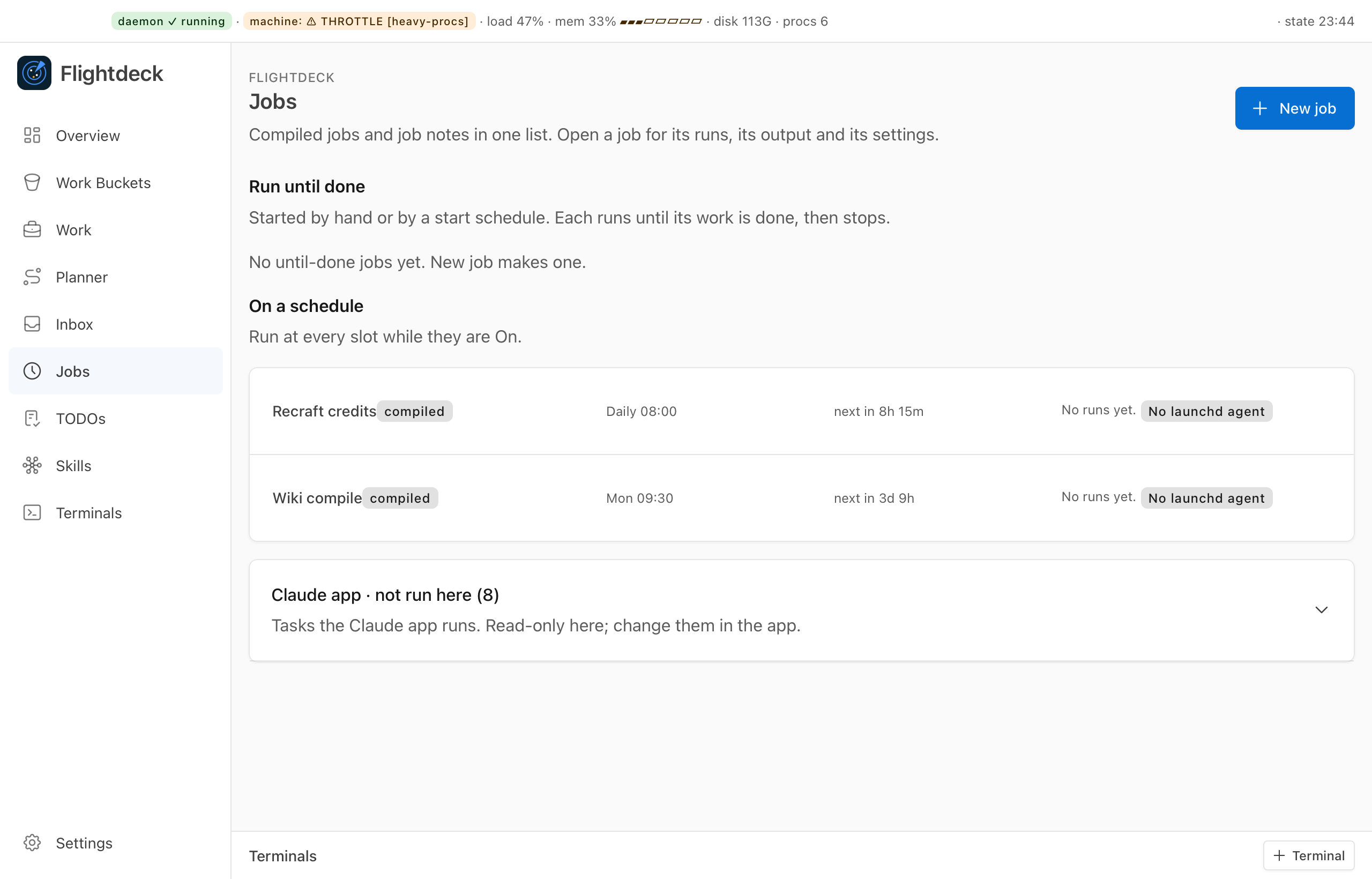
A job is a note
Each job is a note in your workspace's jobs/ folder. The body is the prompt.
---
fd: job
id: example-job
name: Example job
kind: work
runner: claude
mode: until-done        # or scheduled
runners: 2              # 1 to 5
stagger: 5              # minutes between runners' starts
power: "on"
profile: work           # narrow or work
repo: ~/projects/example-app
timeline: ["[[ops-bucket-example]] @ 0"]
timeout_secs: 1800
model: sonnet
---
Take the next item with `flightdeck job next`, finish it, then report it with `flightdeck job done`.
Today Flightdeck runs kind: work jobs with runner: claude.
On/Off is the only switch
power turns a job on or off. There is no separate approval step: a job that is on runs as its note reads at its next start, so an edit to the prompt or schedule needs no extra click. A new job starts off.
flightdeck job enable example-job    # on: commits the change, loads its LaunchAgent
flightdeck job disable example-job   # off: unloads it
Neither one stops a run in progress. A job that is on but can't run (an unreadable note, say) is announced once and listed in Needs You until you fix it.
Whoever can write a job note can run code as you
A profile: work job runs with your hooks and settings, in auto permission mode, in its own git worktree of repo. A profile: narrow job gets only the tools listed in allowed_tools. Treat write access to jobs/ like access to your shell.
Scheduled or until done
- Scheduled (the default): runs on every
crontick while it is on. The cron isminute hour * * day-of-week. A slot missed while the Mac slept runs once, when it wakes. A work job with nocronruns only when you click Run now. - Until done: starts when you say, runs session after session, and stops when its work is finished. With a
timeline, it is done whenjob nextfinds nothing for any runner. Without one, it runs until a session callsjob finish, or until you stop it.
flightdeck job start <id>    # start an until-done job (it must be on)
flightdeck job stop <id>     # running sessions finish their unit; no more start
An until-done job can also start on its cron, once at start_at (for example 2026-10-20T10:00), or again when new work shows up in its buckets, with wake: true.
Runners and stagger
runners (1 to 5) runs several copies of the job side by side, and stagger spaces out their starts in minutes. With more than one runner, flightdeck job next claims each item for the runner that asked, so two runners never take the same item.
If a runner's sessions find nothing to do, it waits 5, 10, 15, then 30 minutes between sessions, and starts again at once when you answer an open question about one of its projects or its work list changes. After three failed sessions in a row, a runner stops and shows up in Needs You.
What a job run is
A run is one session, named by its slot or start time. Its record keeps the outcome (ok, failed, skipped, interrupted or error), a short status badge and the session's final text, which the app's Jobs view shows. timeout_secs bounds every run.
Inside a run, the prompt can use these commands:
flightdeck job next <id>                 # the next items from the timeline
flightdeck job done <id> <bucket> <item> # count one item as done
flightdeck job pass <id> <bucket> <item> # give back an item you can't take now
flightdeck job finish <id>               # until done: the work is finished
flightdeck job idle <id>                 # until done: this session found nothing to do
printf '%s\n' 'Reviewing 3 items' | flightdeck job badge
printf '%s\n' 'Need a decision' | flightdeck notify needs-you
notify shows a macOS notification. With Pushover set up, your phone gets only <job id>: needs you, never the text.
Headless sign-in
A run can sign in with a Claude job token you make with claude setup-token and store with flightdeck secrets set claude-job-token.<label>.